


 Anto Mario

Choosing the right laptop as a digital artist can be overwhelming. With hundreds of models available—each boasting different displays, processors, stylus compatibilities, and color technologies—artists often struggle to identify which features genuinely matter. The ideal laptop depends on your workflow, whether you are illustrating comics, animating, doing concept art, painting in Procreate-like apps, or producing editorial cartoons for a global audience.
As a long-time cartoonist and writer for Toons Mag, I’ve worked with digital tools across travel, studio, and exhibition environments. What I’ve learned is simple: a digital artist’s laptop is not just a computer—it is a canvas, a workstation, and an extension of their creative vision. Choosing wisely impacts comfort, efficiency, and artistic output.
This guide breaks down the essential features every digital artist should look for, helping you select a laptop that truly supports your creativity.
1. A Color-Accurate, High-Resolution Display: Your Digital Canvas
For digital artists, the display is the single most important component of any laptop. It defines the fidelity of your colors, the clarity of your lines, and your overall drawing experience.
Key factors to consider:
✔ Color Accuracy (sRGB, Adobe RGB, DCI-P3 coverage)
A good artist laptop should cover at least:
- 100% sRGB (minimum)
- 90–100% Adobe RGB or DCI-P3 (ideal for professionals)
Accurate color representation ensures that what you draw on-screen will print correctly and remain consistent across devices. This is essential for artists preparing work for exhibitions, printing comics, or sharing work on platforms like Toons Mag.
✔ Resolution (Full HD vs. 2K vs. 4K)
Higher resolution = sharper lines, smoother gradients, and more canvas space.
- 1080p is usable but limiting for detail work.
- 2K / QHD is a sweet spot for many artists.
- 4K is stunning for painters and animators—but consumes more battery.
✔ Display Technology (IPS, OLED, Mini-LED)
- IPS panels: Good color accuracy and viewing angles; the best all-around budget choice.
- OLED panels: Deep blacks and vibrant colors; excellent for illustrators and color-driven artists.
- Mini-LED: Bright, high contrast, great for HDR—but more expensive.
2. Stylus Support & Drawing Experience: The Heart of Digital Art
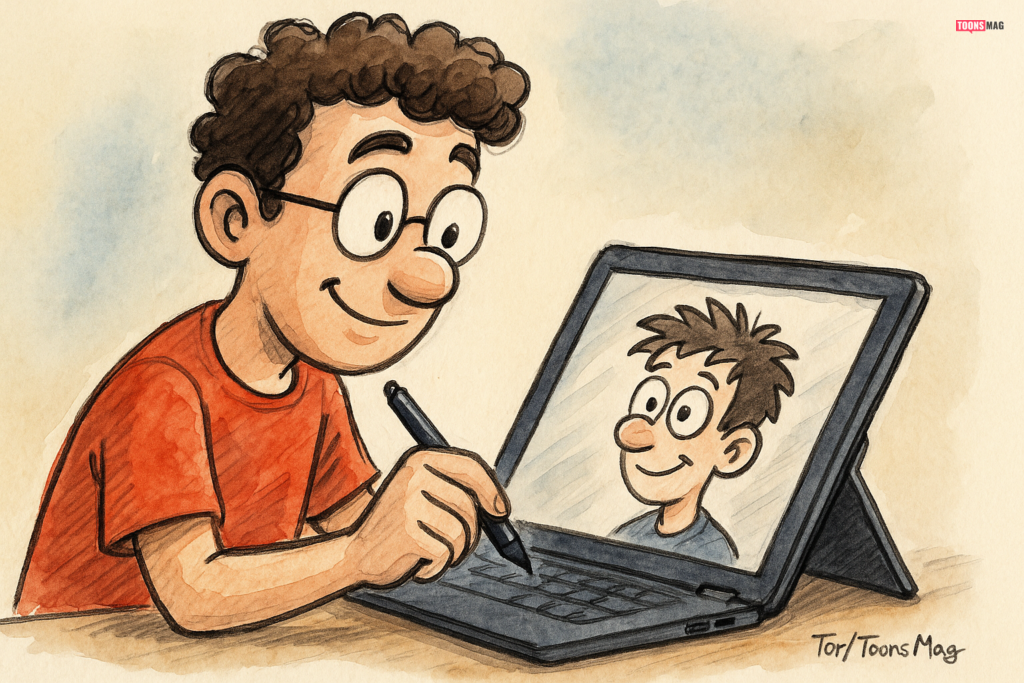
If you plan to draw directly on the laptop (2-in-1 or convertible devices), stylus quality is crucial.
What to look for in a stylus:
✔ Pressure Sensitivity
Modern styluses offer 2,048, 4,096, or even 8,192 levels of pressure sensitivity.
More levels = smoother transitions in shading and line weight.
✔ Tilt Recognition
Tilt support mimics real pencil and brush strokes—essential for shading, calligraphy, inking, and painting.
✔ Latency (Lag)
A good stylus feels instant. Apple, Microsoft, and Wacom currently lead in low-latency drawing performance.
✔ Palm Rejection
Your hand should rest naturally on the screen without accidental marks.
✔ Pen Technology Compatibility
Depending on the brand:
- Wacom EMR (Samsung Galaxy Book, some tablets) — excellent accuracy
- Microsoft Pen Protocol (MPP) — Surface devices
- Apple Pencil tech (iPad ecosystem) — extremely responsive but limited to iPads
- USI pens — used on certain Chromebooks
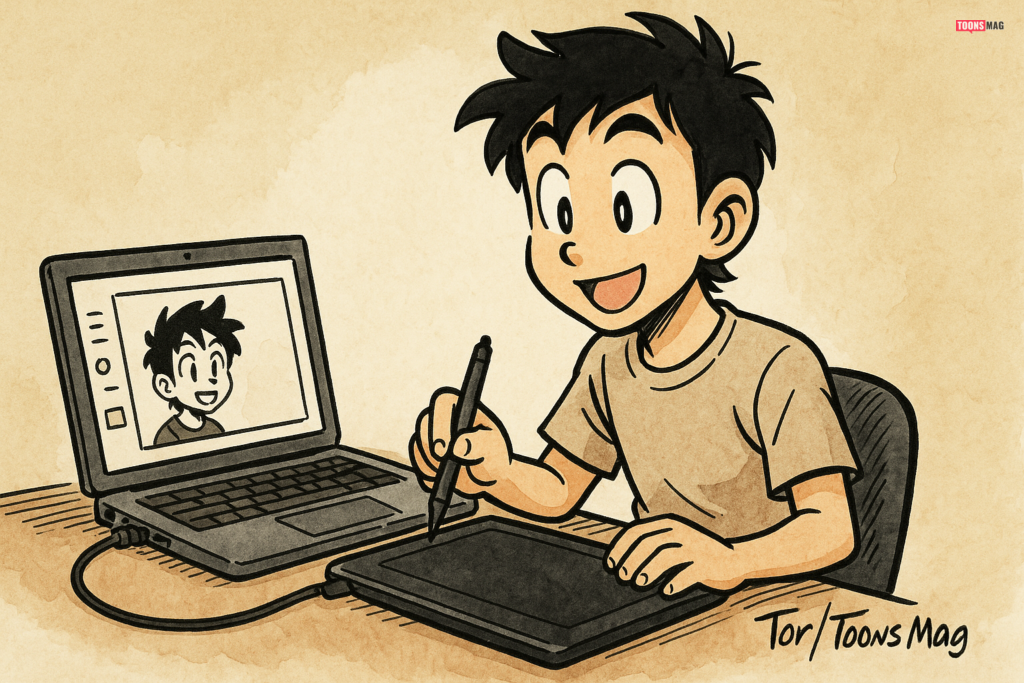
If you prefer working on a separate graphics tablet (like Wacom, Huion, XP-Pen), ensure the laptop has the necessary ports and drivers.
3. Powerful Processor (CPU): The Engine Behind Your Workflow
Your CPU affects everything—from rendering animations to handling large Photoshop files.
Best choices for artists:
- Intel Core i5/i7/i9 (12th gen or newer)
- AMD Ryzen 5/7/9 (5000 series or newer)
- Apple M1/M2/M3 processors (in MacBooks)
Why this matters
Digital art software such as Clip Studio Paint, Photoshop, Photoshop Beta AI tools, and Blender rely heavily on CPU performance for:
- Multitasking
- Large canvases
- Complex brushes
- Layer-heavy workflows
- Exporting / rendering
For 2D illustration, mid-range CPUs are often enough. Animators and 3D artists should invest in higher-end options.
4. Graphics Card (GPU): Vital for Animators & 3D Artists
For classic cartooning, comic art, and 2D workflows, an integrated GPU (Intel Iris, AMD Radeon, Apple M-series) is often enough.
However, if you are working with:
- Blender
- Maya
- Unity or Unreal Engine
- After Effects
- Toon Boom Harmony (complex rigs)
- Heavy animation scenes
…then you need a dedicated GPU.
Recommended GPUs
- NVIDIA RTX 3050 / 3060 / 3070 / 4060 / 4070
- AMD Radeon equivalents
MacBook Pros with M1 Pro/M1 Max/M2/M3 chips also perform exceptionally well for animation and color-rendering tasks.
5. RAM (Memory): The More, the Better
Digital art programs consume RAM quickly—especially when working with large canvases and many layers.
Minimum recommendations
- 8 GB – Only for very light work
- 16 GB – The sweet spot for most digital artists
- 32 GB – Ideal for animators, 3D artists, and heavy multitaskers
Clip Studio Paint, Photoshop, and Blender run dramatically better with 16GB+.
6. Storage (SSD): Fast, Reliable, and Spacious
Slow storage will slow down your entire workflow—booting, loading brushes, saving files, and rendering.
Recommended:
- 512 GB SSD (minimum)
- 1 TB SSD (ideal)
If you store a large art portfolio, frequent backups, and animation files, you’ll appreciate the space.
Avoid laptops with mechanical HDDs; they are too slow for professional art workflows.
7. Portability and Build Quality: For Artists on the Move
If you sketch in cafés, travel, attend exhibitions, or work in classrooms and studios, portability matters.
Look for:
- Lightweight design (under 1.5 kg for drawing laptops)
- Strong hinges for 2-in-1 devices
- Responsive trackpad and keyboard
- Long battery life (7–12 hours)
Many digital artists appreciate the flexibility of devices like Surface Pro, Samsung Galaxy Book, and 2-in-1 convertibles because they double as sketchbooks.
8. Software Compatibility: Make Sure Your Tools Will Work
Before purchasing, confirm your laptop supports:
- Adobe Photoshop / Illustrator
- Clip Studio Paint
- Krita / GIMP
- Procreate alternatives (Windows versions)
- Blender / Maya
- Toon Boom Harmony
- After Effects / Premiere Pro
- AI-assisted tools (Photoshop Beta, etc.)
MacBooks, Windows laptops, and some Linux systems have different software ecosystems.
Choose according to the apps you rely on daily.
9. Connectivity & Ports: Essential for Peripherals
Digital artists often need external devices:
- Drawing tablets
- External monitors
- SD card readers
- Backup drives
- USB-C hubs
Essential ports to look for:
- USB-C / Thunderbolt 4
- USB-A
- HDMI or DisplayPort
- SD card reader
- Headphone jack
Creative professionals benefit from dual monitor setups, color calibration tools, and external drives—so ports matter.
10. Pen Display or External Tablet Compatibility
If the laptop doesn’t have a touchscreen for direct drawing, ensure it works well with:
- Wacom Cintiq
- Wacom One
- Huion Kamvas
- XP-Pen Artist displays
This is a popular setup for comic artists and professional illustrators who prefer a pen display with smoother pressure control and larger drawing surfaces.
11. Operating System: macOS, Windows, or ChromeOS?
macOS (MacBook Air/Pro)
- Excellent display quality
- Best-in-class trackpad
- Long battery
- Great for illustration, animation, and video editing
- Limited touchscreen availability
Windows
- The most versatile ecosystem
- Supports all drawing tablets & 2-in-1s
- Wide price range
- Best option for 3D artists
ChromeOS
- Not ideal for professional digital artists
- Suitable only for lightweight, browser-based drawing apps
12. Budget vs. Performance: Finding the Sweet Spot
You don’t need to overspend—but you also shouldn’t underspend if digital art is your profession.
Budget-friendly (under $800)
- Great for beginners
- Best with an external drawing tablet
Mid-range ($1000–$1800)
- The ideal range for most illustrators
- Excellent screens & processors
High-end ($2000+)
- Best for animators, 3D artists, and full-time professionals
Your Laptop Should Empower Your Creative Journey
As digital artists, cartoonists, and illustrators, our tools shape the quality of our storytelling. The right laptop isn’t chosen by brand—it’s chosen by workflow, comfort, and creative demand.
Whether you publish cartoons to global artistic platforms like Toons Mag, collaborate with multilingual creators, or prepare visual content for exhibitions or clients, your laptop becomes the core of your digital studio. Choosing well ensures smoother work, more confidence, and greater artistic freedom.
This post was created with our nice and easy submission form. Create your post!